Project IBM
My Work at IBM
Designing enterprise tools for the people who'd rather just use the terminal
Project Overview
| company | IBM — Data and AI Division |
| role | UX Designer — lead on Cloud Pak for Data |
| team | Design Lead, PMs, Front-end Engineers, UXR |
| timeline | 2019 – 2021 |
| tools | Figma, Carbon Design System, Maze, Lookback |
| constraints | Enterprise legacy system constraints; strict Carbon DS compliance; complex multi-persona user base |
The Setting
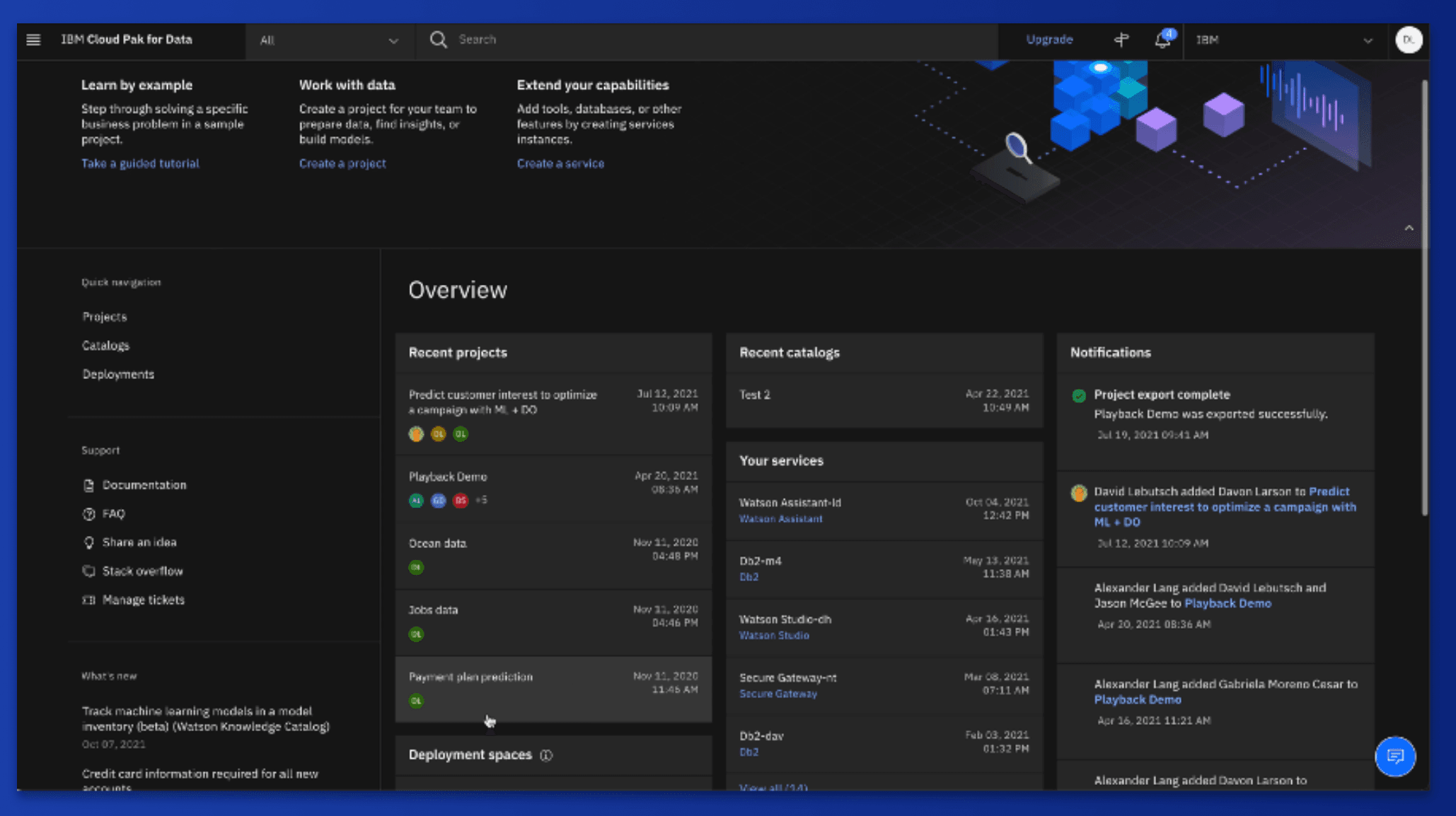
In 2019 I joined IBM's Data and AI division, working on Cloud Pak for Data — their unified platform for data management, machine learning, and AI deployment. My users weren't everyday consumers. They were data scientists, ML engineers, system admins, and CIOs at some of the largest enterprises in the world.
What I found when I arrived was a product that had grown powerful but unwieldy. Features were siloed, workflows were fragmented, and the people doing mission-critical work were spending too much time fighting their tools instead of doing their actual jobs. My job was to fix that — one hard problem at a time.
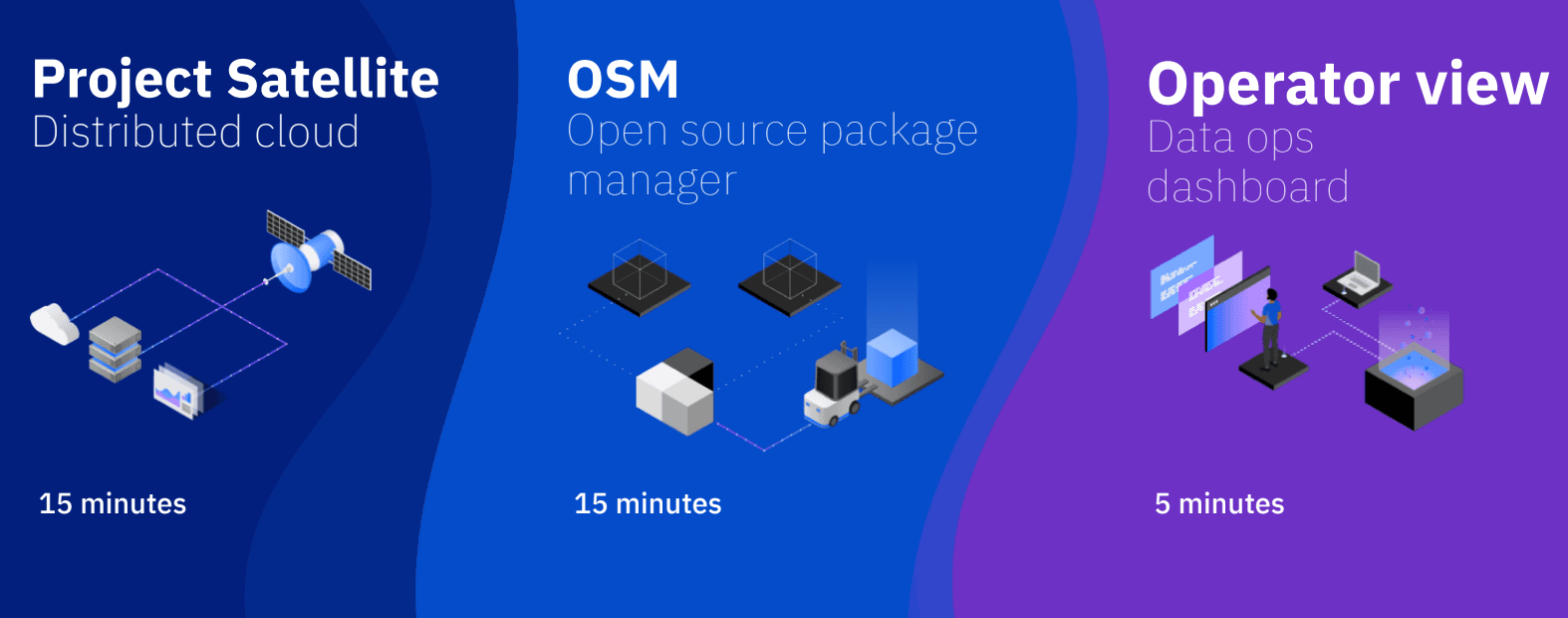
Project Satellite: Taming the Distributed Cloud
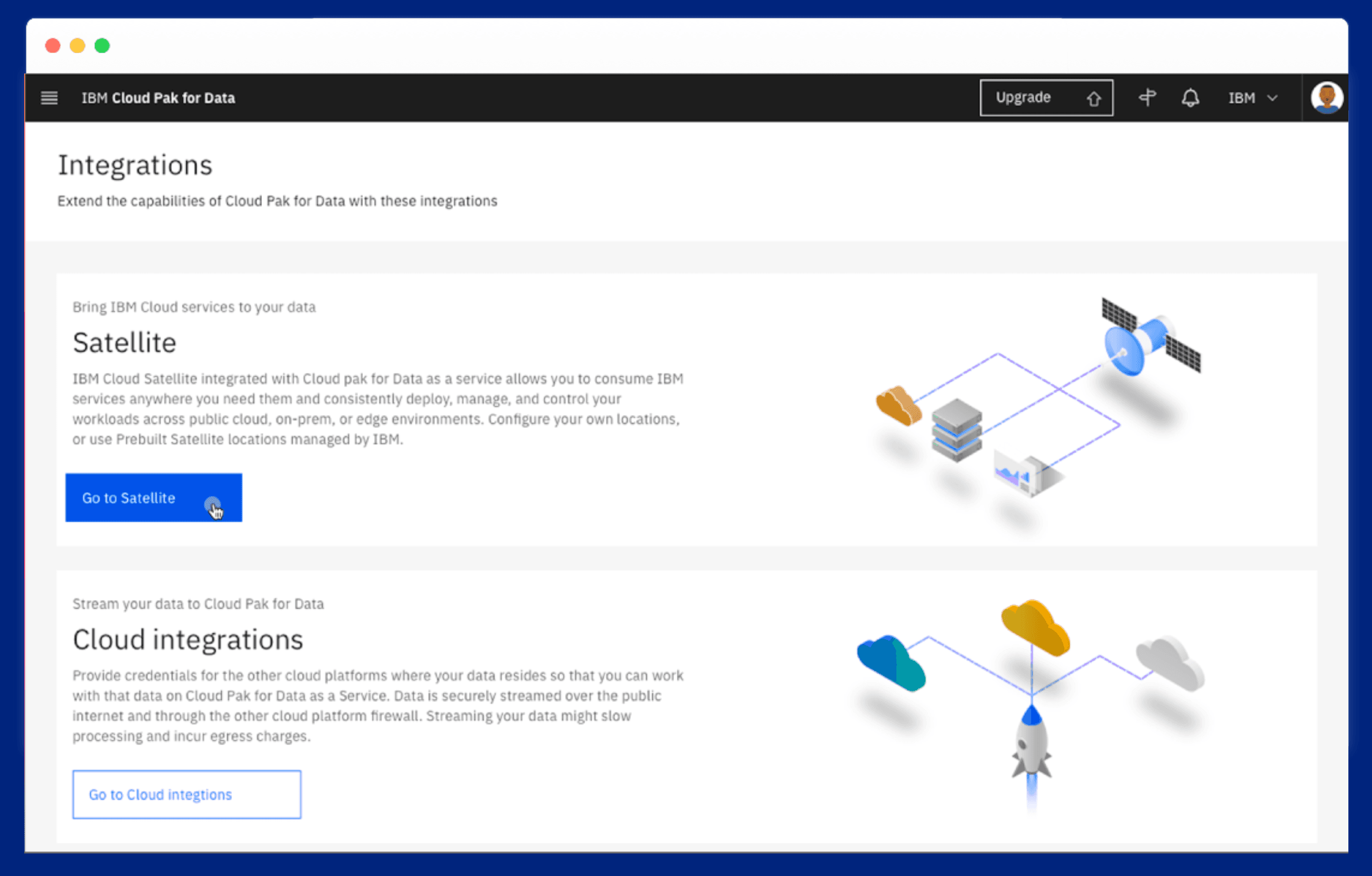
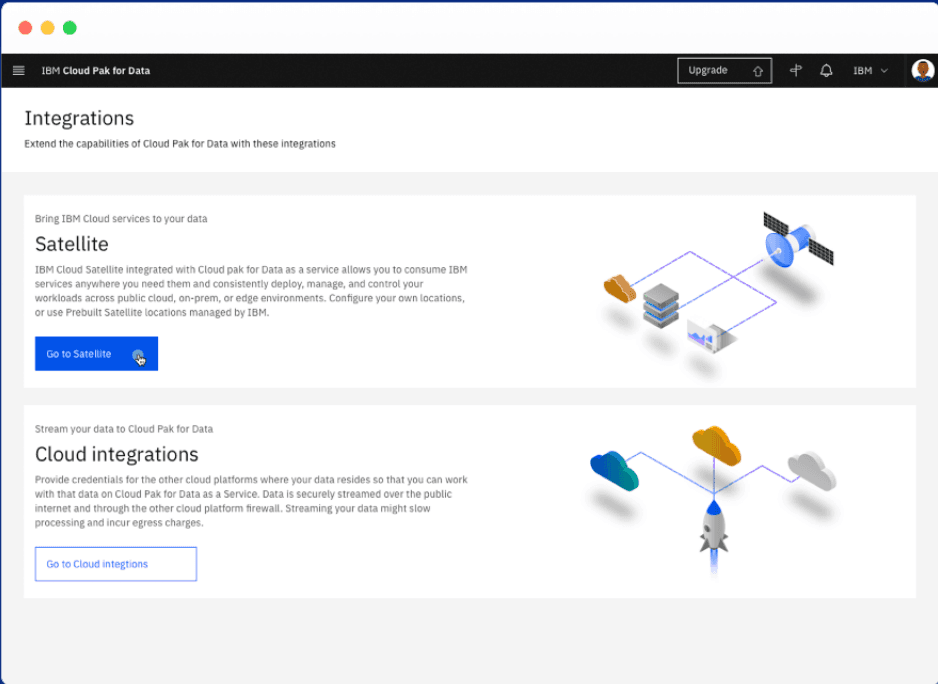
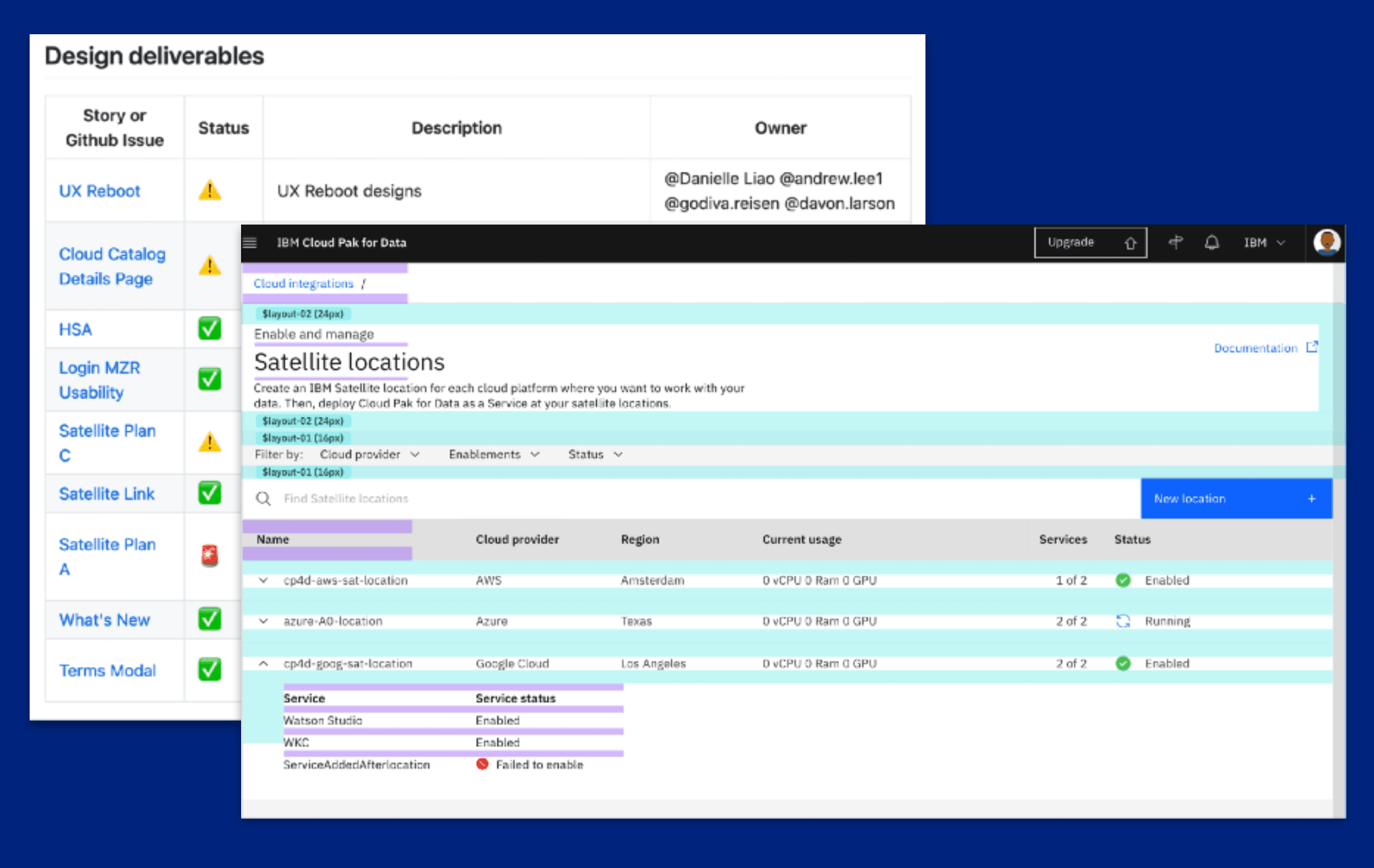
The first big challenge was IBM Satellite — a product that let enterprises run Cloud Pak for Data anywhere: on-prem, at the edge, or across multiple cloud providers at once. The dream was a unified hybrid cloud. The reality was that configuring these distributed environments was a nightmare for admins.
The domain was deeply technical. I had to get fluent in Kubernetes, cloud infrastructure ownership models, and the difference between what IBM managed vs. what the customer owned. (I didn't know any of this when I started — I learned it by asking a lot of probably-obvious questions in a lot of meetings.)
I ran research sessions with three distinct personas — Admins who wanted granular control, Data Scientists who cared about speed above all else, and Engineers who needed to debug at 3am without calling anyone. I designed a UI that let admins configure satellite locations across AWS, Azure, and GCP from a single pane of glass — clear status indicators, ownership labeling, and the right level of control without overwhelming complexity.
The impact: one CTO reported that integrating Cloud Pak for Data with Satellite reduced scoring latency on time-critical ML models from 10 seconds to under 1 second. That's the kind of number that makes the months of learning Kubernetes worth it.
Project OSM: Making Open Source Safe
This project started with a scary headline. In 2017, a single vulnerable open source package — Apache Struts — led to the Equifax breach, exposing the personal data of 143 million people. CIOs and dev leads were nervous about what packages their engineers were pulling into production. But banning open source wasn't an option — it's the backbone of modern software.
So the challenge was: how do you preserve the convenience of open source while giving enterprises control?
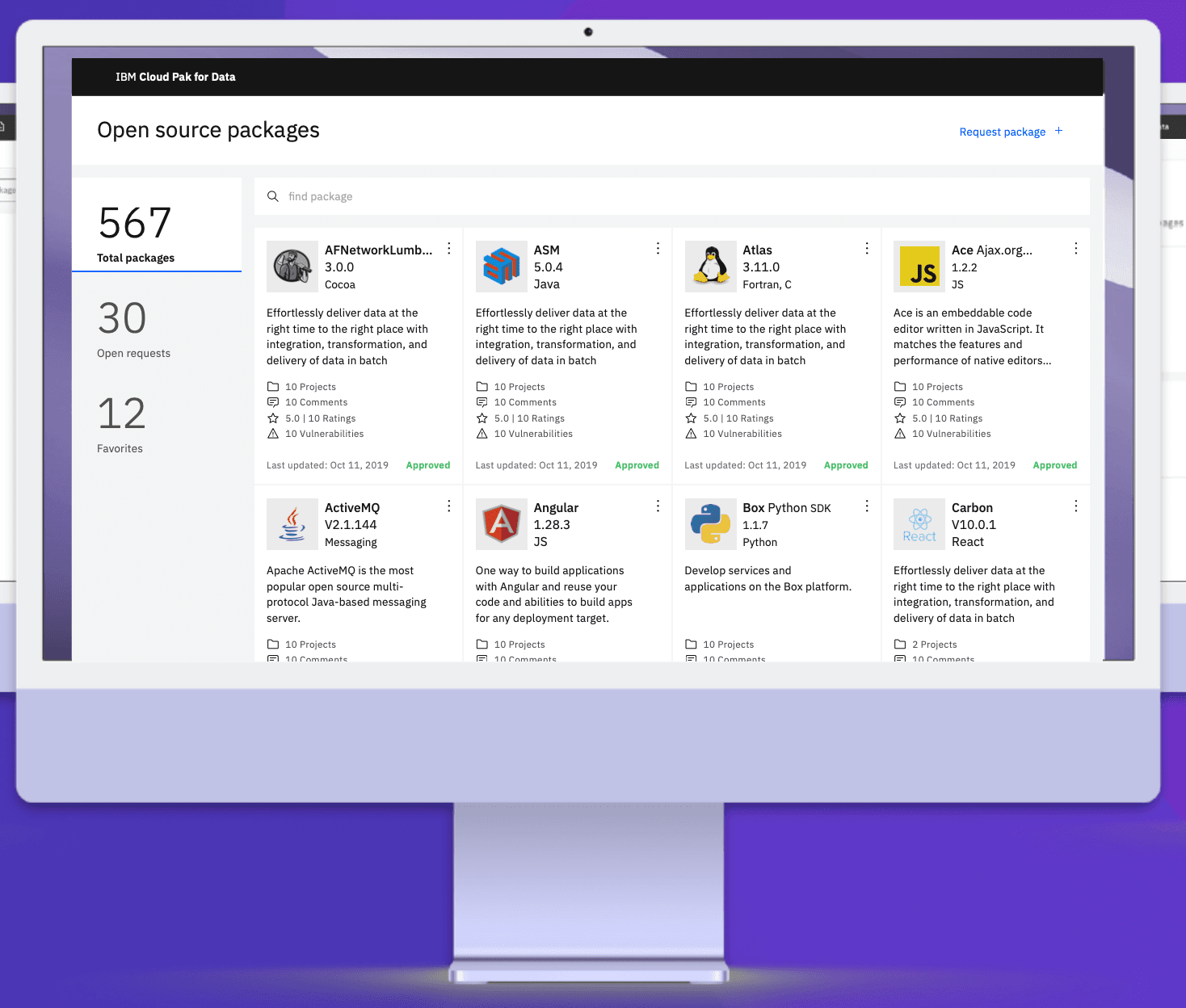
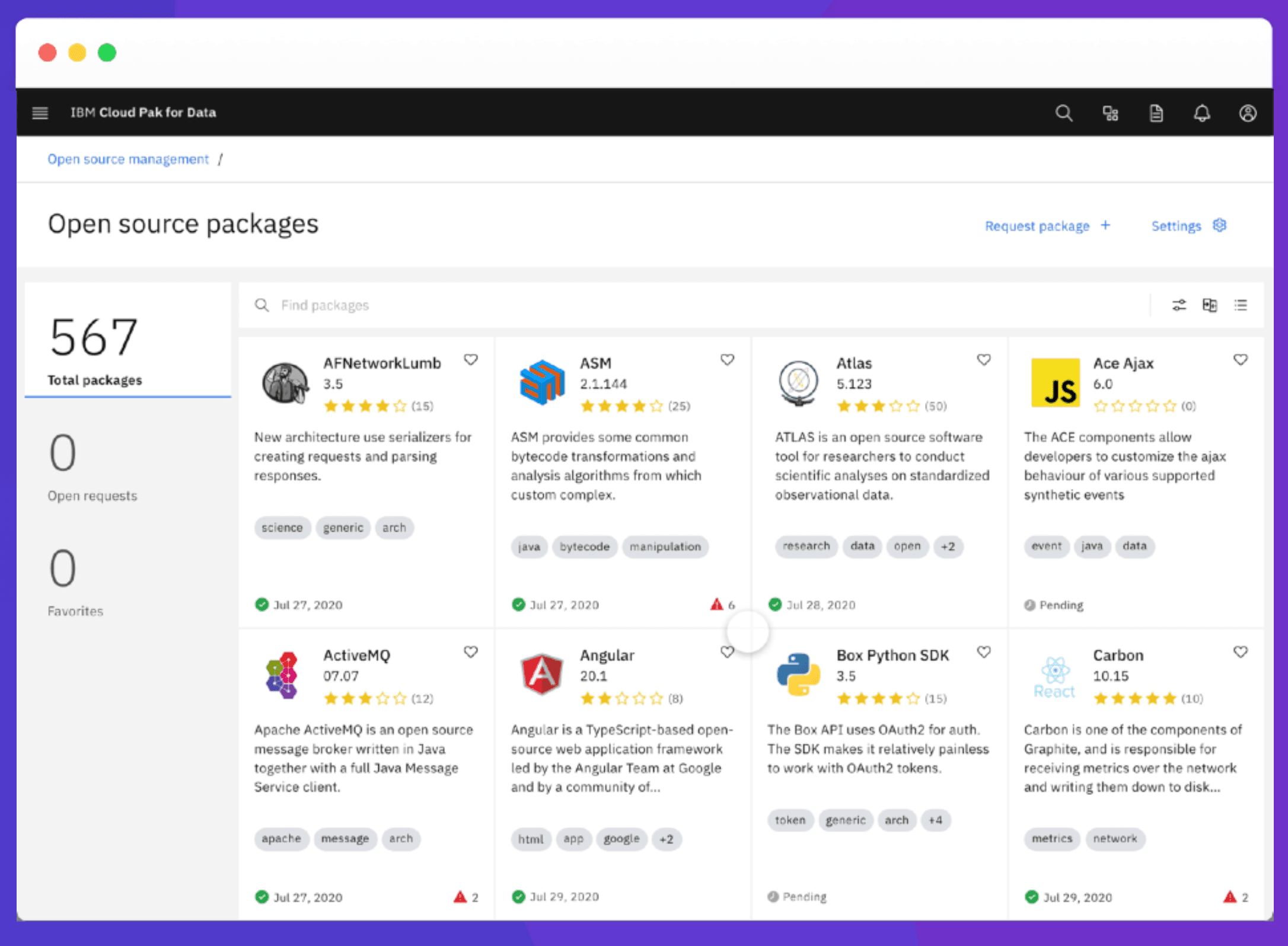
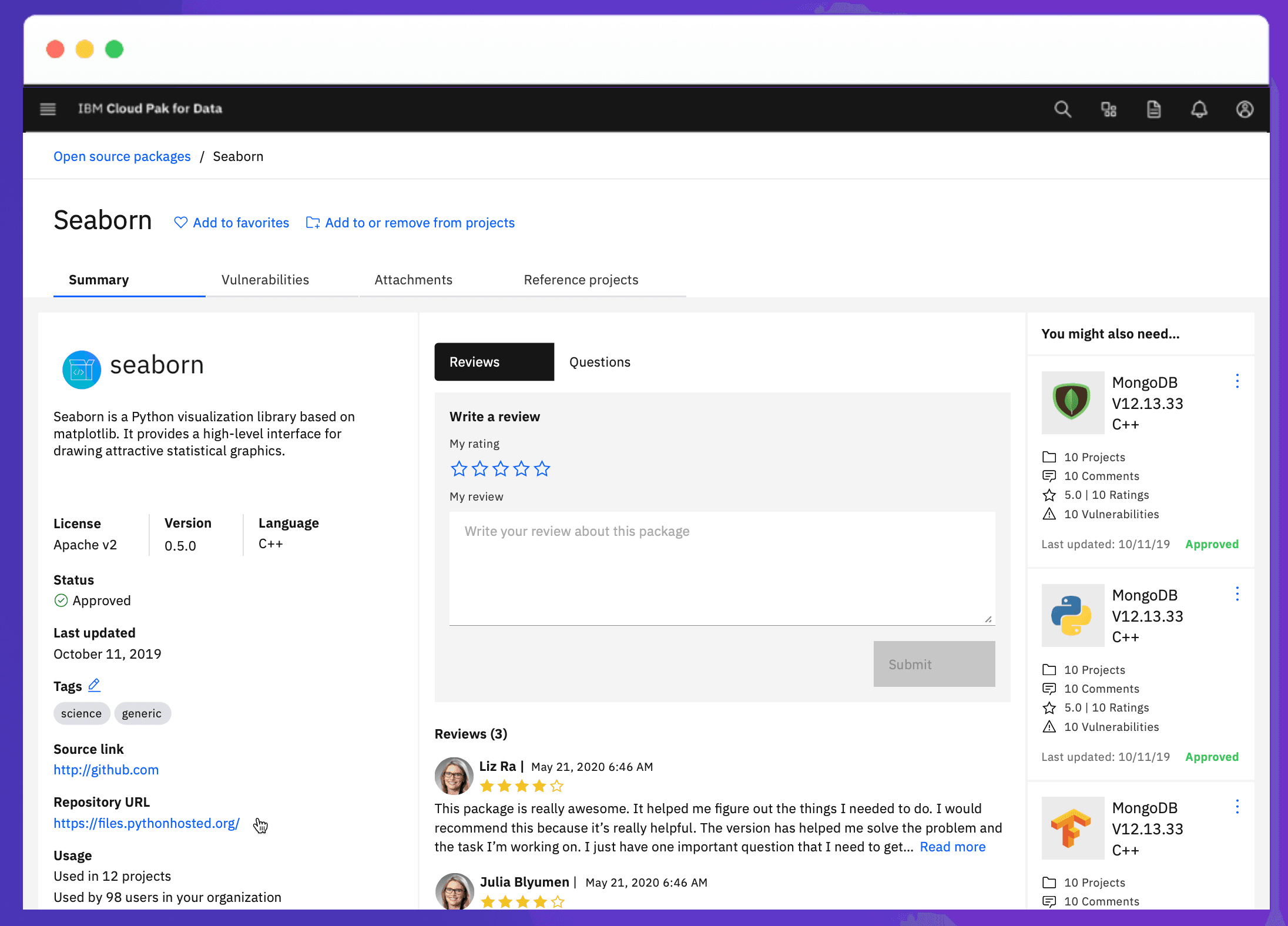
I designed the Open Source Package Manager — a governance layer built into Cloud Pak for Data that let organizations curate, approve, and monitor the packages used by their data teams. Three pillars: Governance (approval workflows and vulnerability tracking), Community (ratings, comments, and internal usage data), and Reporting (package usage across projects and teams).
I redesigned the MVP in about two weeks. Rapid lo-fi testing, iterating on feedback, then shipping a polished hi-fi design. The key research finding: admins wanted the import step and the approval step separated. They needed more information before committing to an approval. That single insight drove the entire information architecture.
The result: package approval went from a weeks-long spreadsheet process to as little as a few hours. Sometimes minutes.
Project Operator View: One Dashboard to Rule Them All
This one tackled a problem that had been quietly frustrating system admins for years. Cloud Pak for Data had jobs running across Watson Studio, DataStage, Data Virtualization, and more — but there was no single place to see what was actually happening. Admins were jumping between tools, losing context, and flying blind when something broke.
My user for this project was "Oscar" — a composite persona built from the admins I interviewed. Oscar had been on the job 7-10 years. Running data pipelines in production, monitoring deployments, and responsible for uptime he couldn't always control. His quote stuck with me: "I've got to have visibility into thousands of environments, infrastructure activity, and deployment status all at the same time."
So I designed the Operator View: a universal dashboard that pulled scheduled jobs, active runs, deployments, and completion history into one page. The design went through multiple iterations — lo-fi table explorations to a final interface with histogram visualizations, time-based filters, and space-level drill-downs. Each round was informed by usability testing with real admins.
The final design gave Oscar everything he needed: a scheduled jobs timeline for the next 8 hours, live status of active runs, a completion log with success/failure breakdowns, and the ability to stop, restart, or collect logs without ever leaving the page.
What I Took Away
IBM taught me three things I still carry:
Treat engineers like your users — with empathy. They have frustrations, mental models, and pain points just like anyone else. The only difference is they'll tell you exactly what's wrong if you ask them the right way.
With enough patience, you can figure out anything. I came in knowing nothing about Kubernetes, data science workflows, or distributed cloud architecture. By the time I left, I was designing confidently in all three. The learning curve is real, but it's a ramp, not a wall.
Ambiguity is an opportunity. When I arrived, nobody fully understood how Satellite should work from a UX perspective. That blank space was equal parts scary and exciting. Some of my best work happened right there — in the gap between "we don't know" and "we shipped it."
Reflections
What I'd Do Differently
With another shot at OSM, I'd push for a longer research phase upfront — we discovered critical mental model differences between security admins and package consumers late in the design process, leading to two rounds of major restructuring. I'd also invest more in the onboarding flow. We shipped the core workflow in great shape, but new-user orientation was deferred to a later sprint and never fully realized in the product.
Full Case Study PDF
Download the full deck for a deeper look at process, research, and final designs.